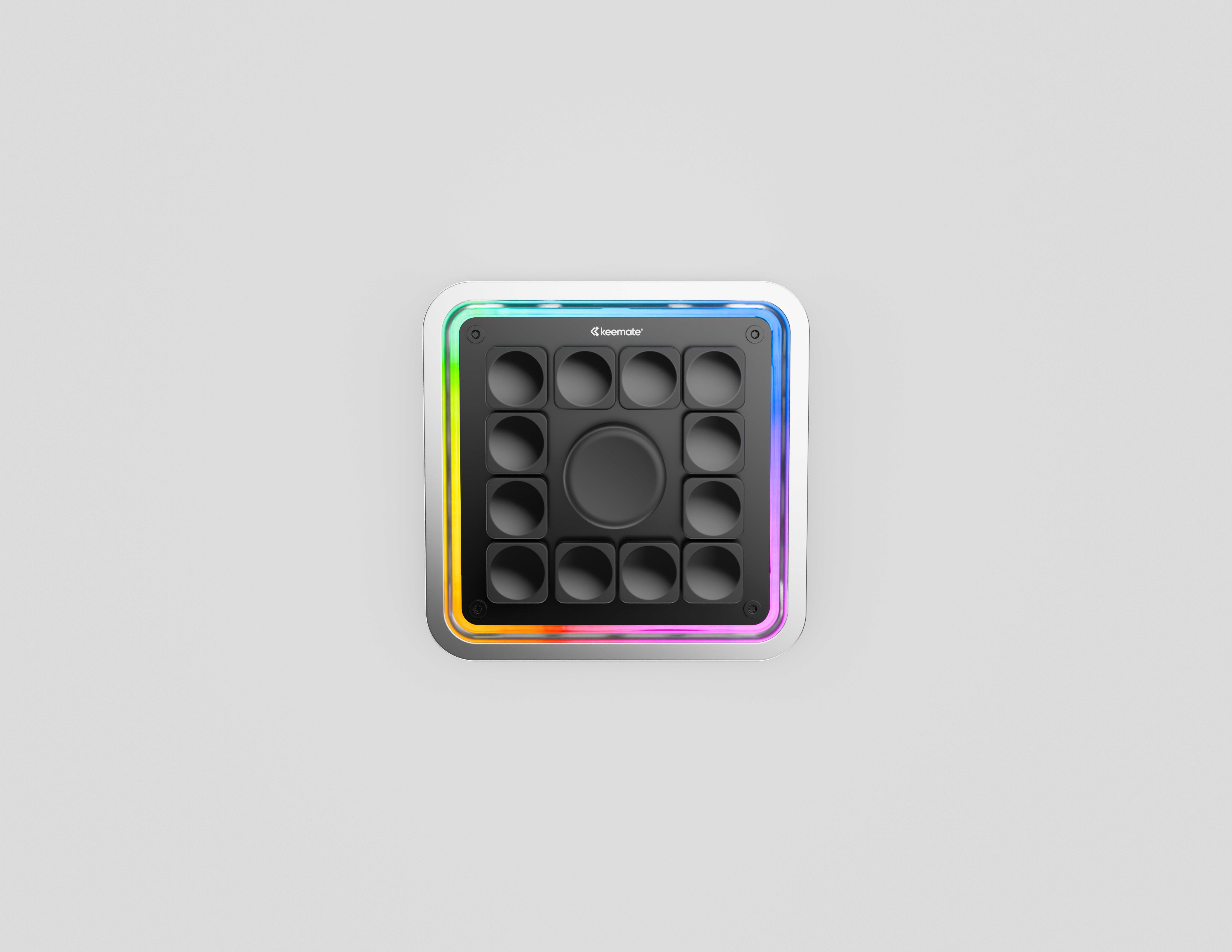
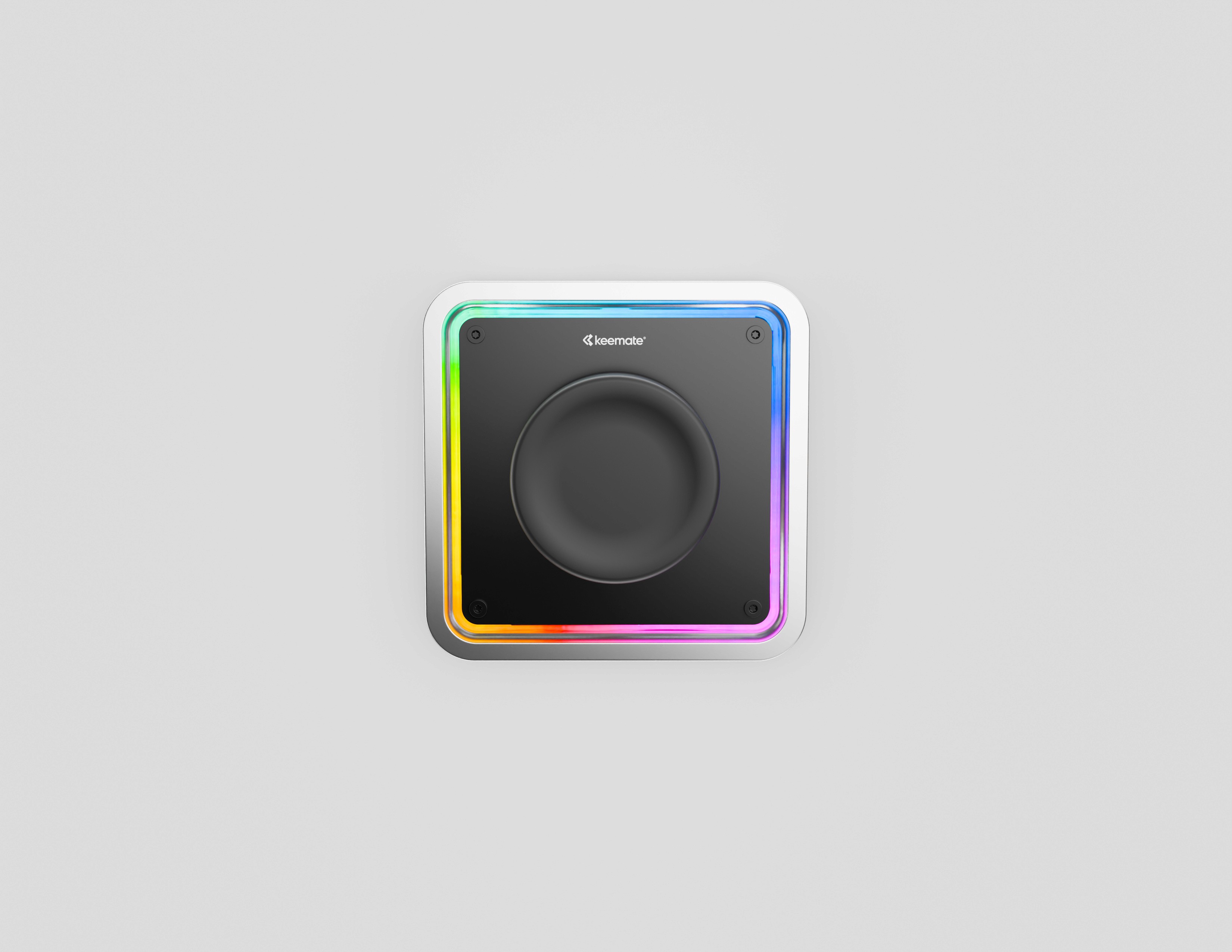
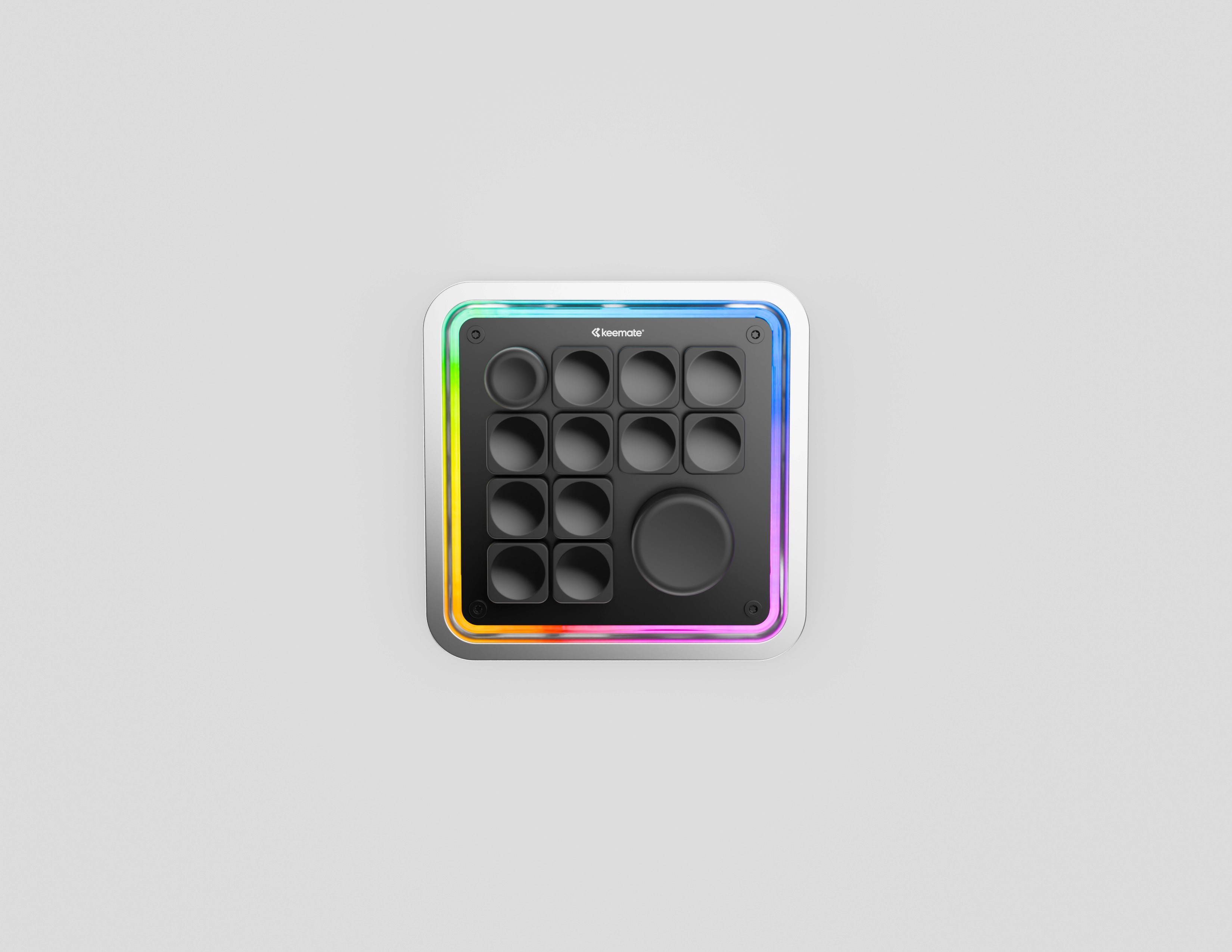
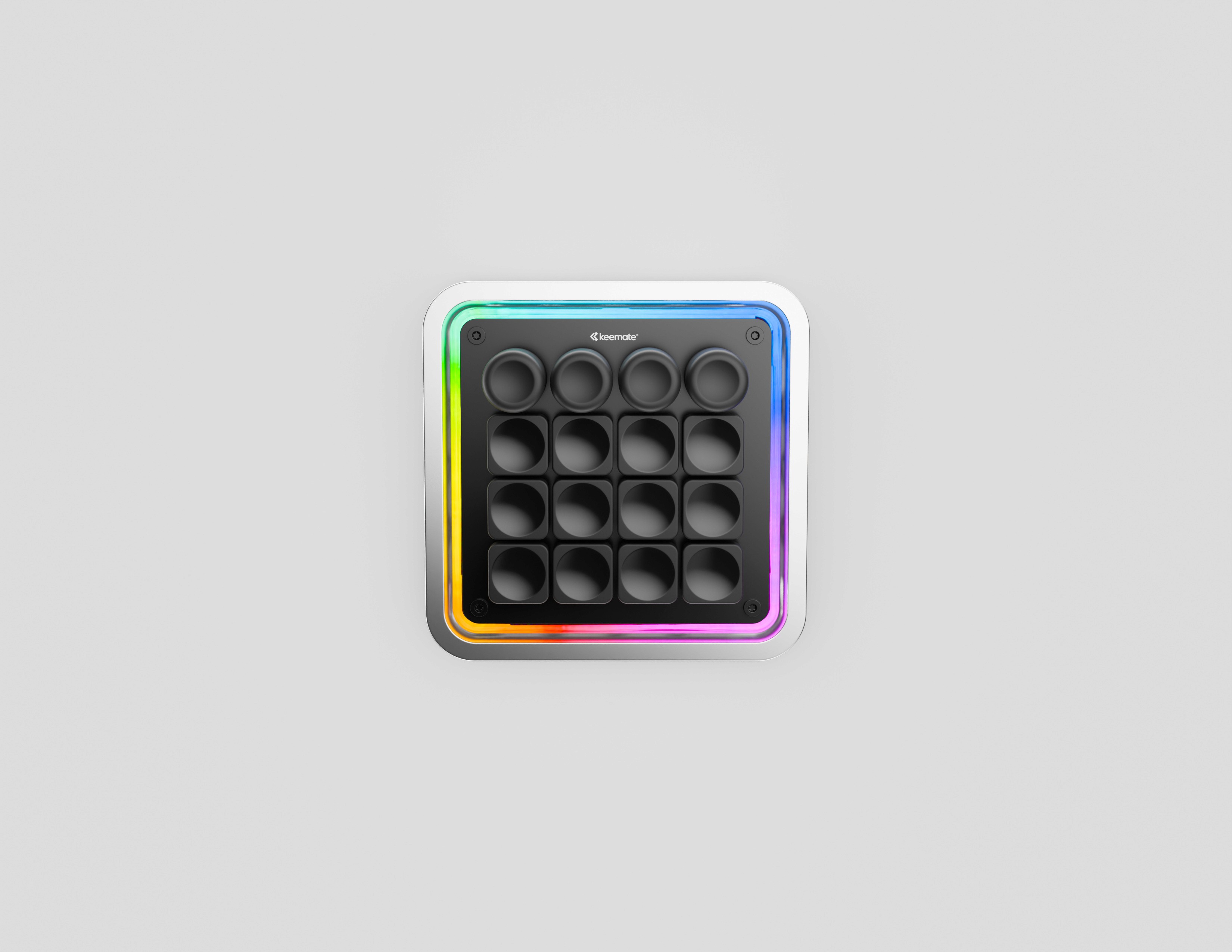
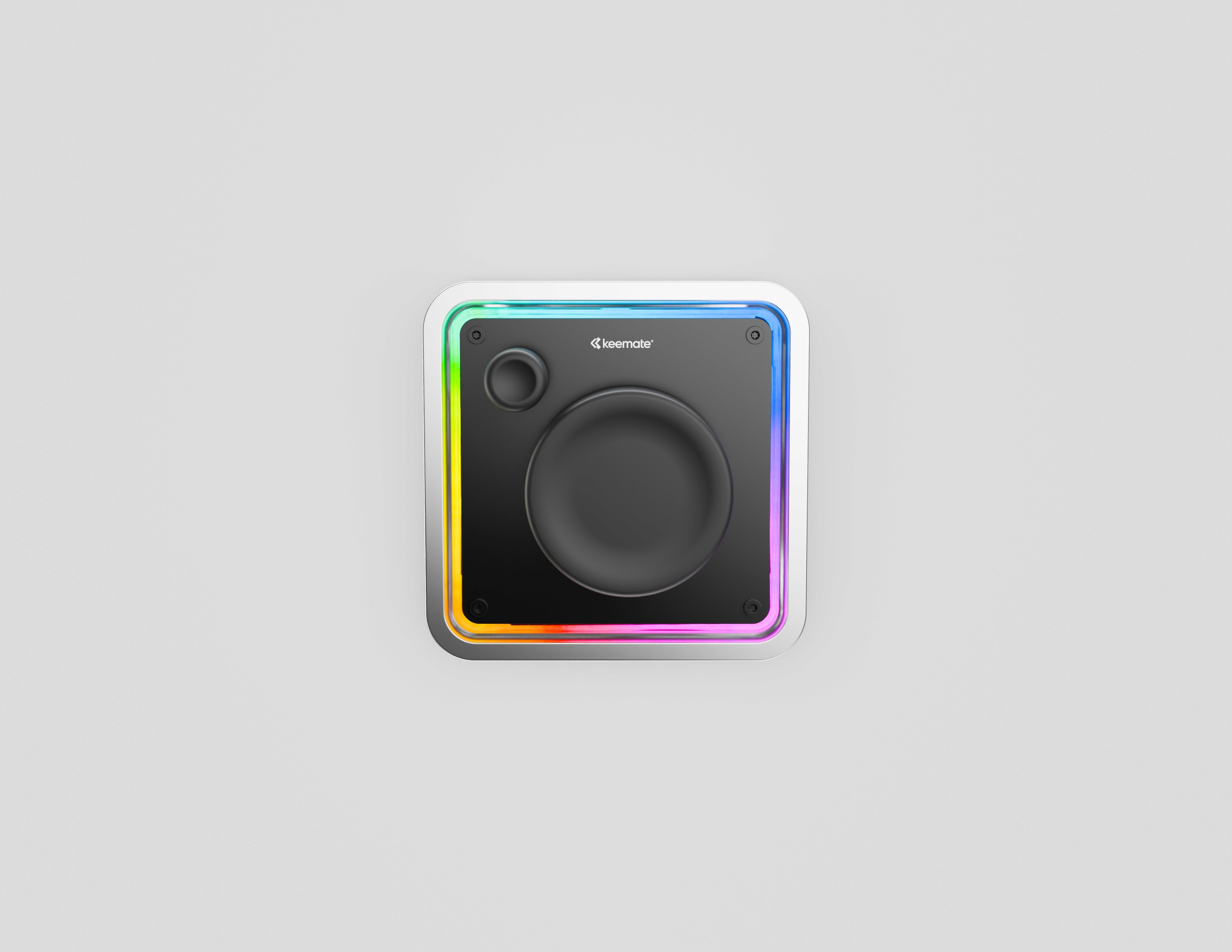
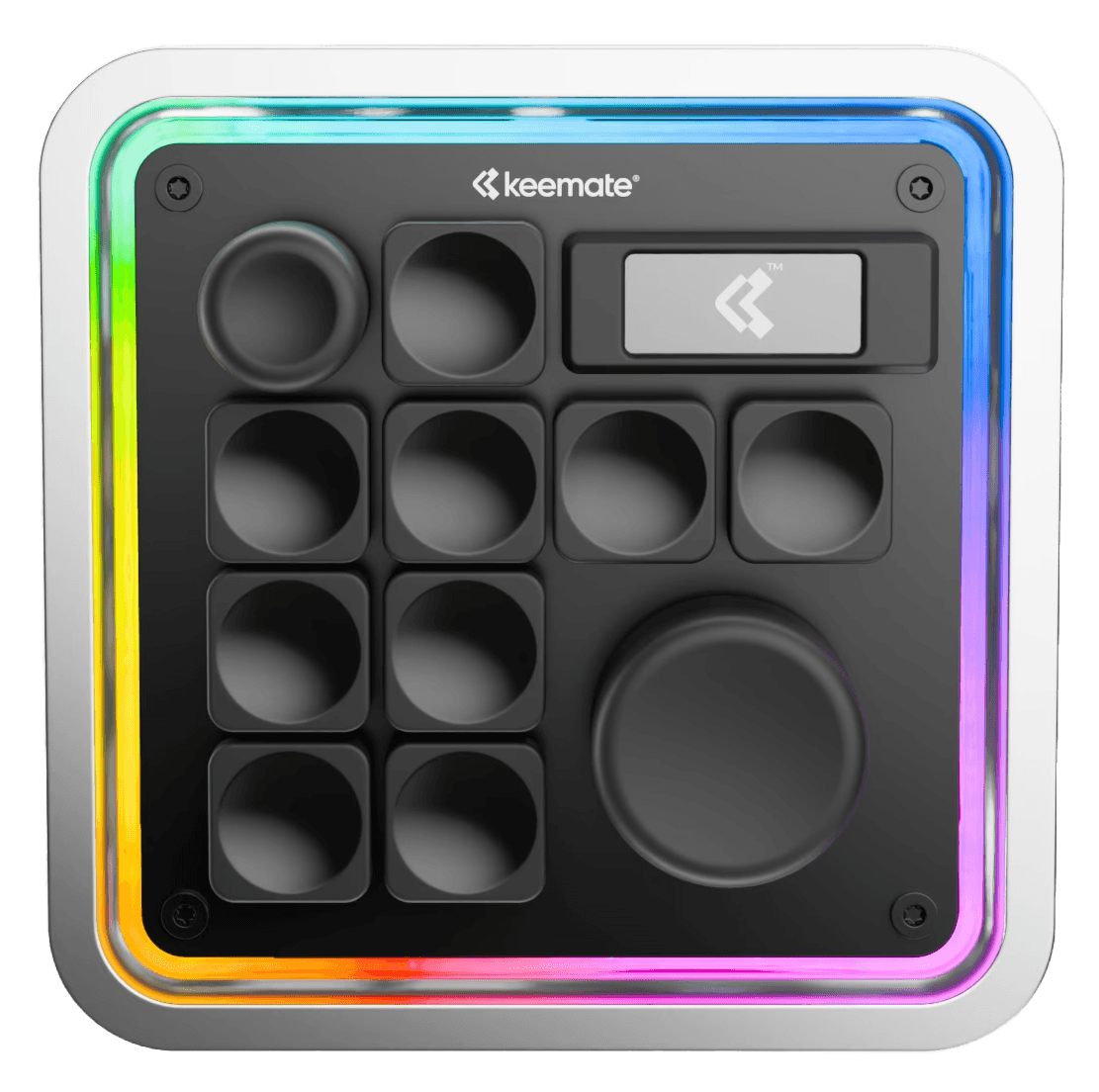
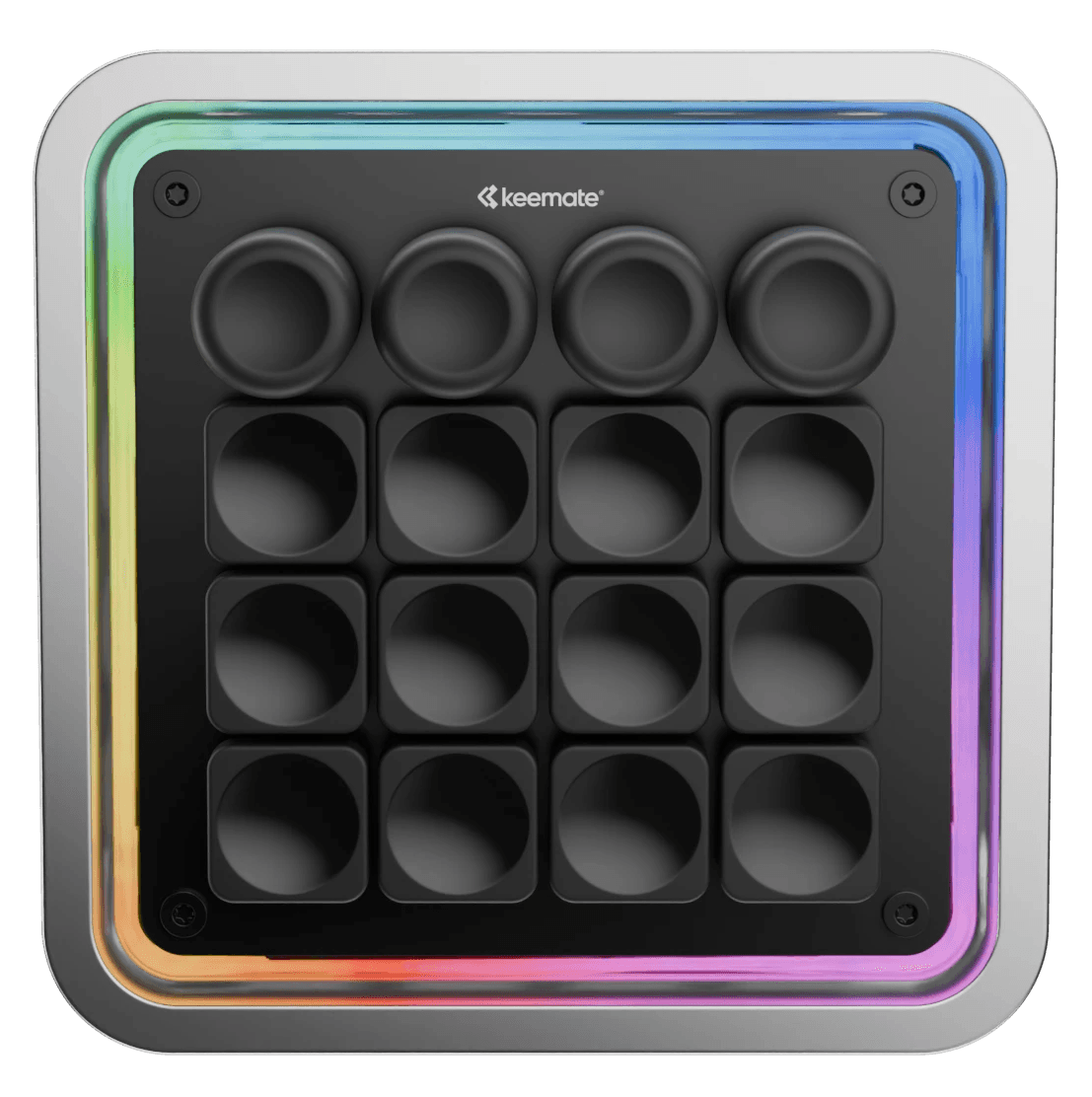
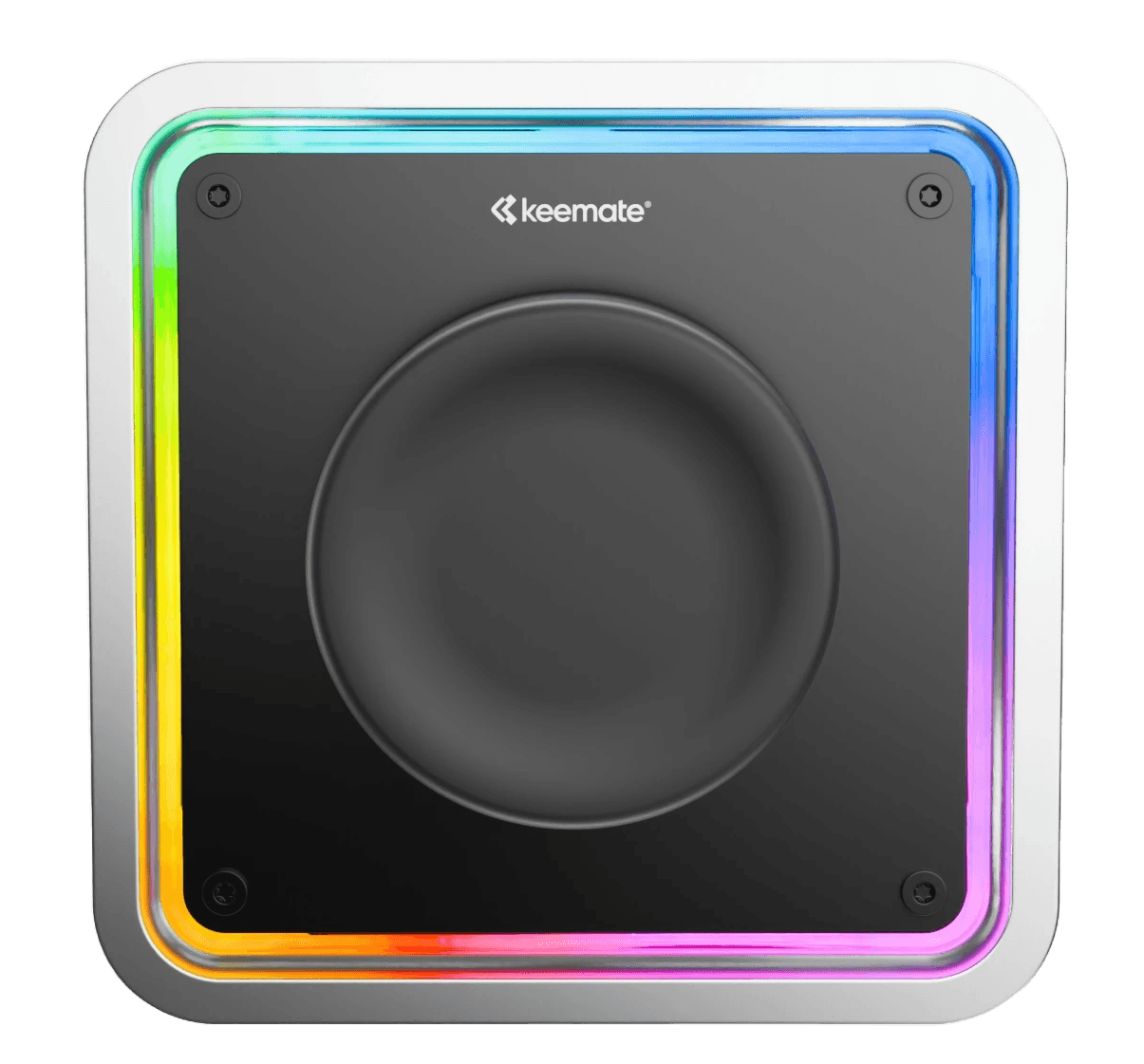
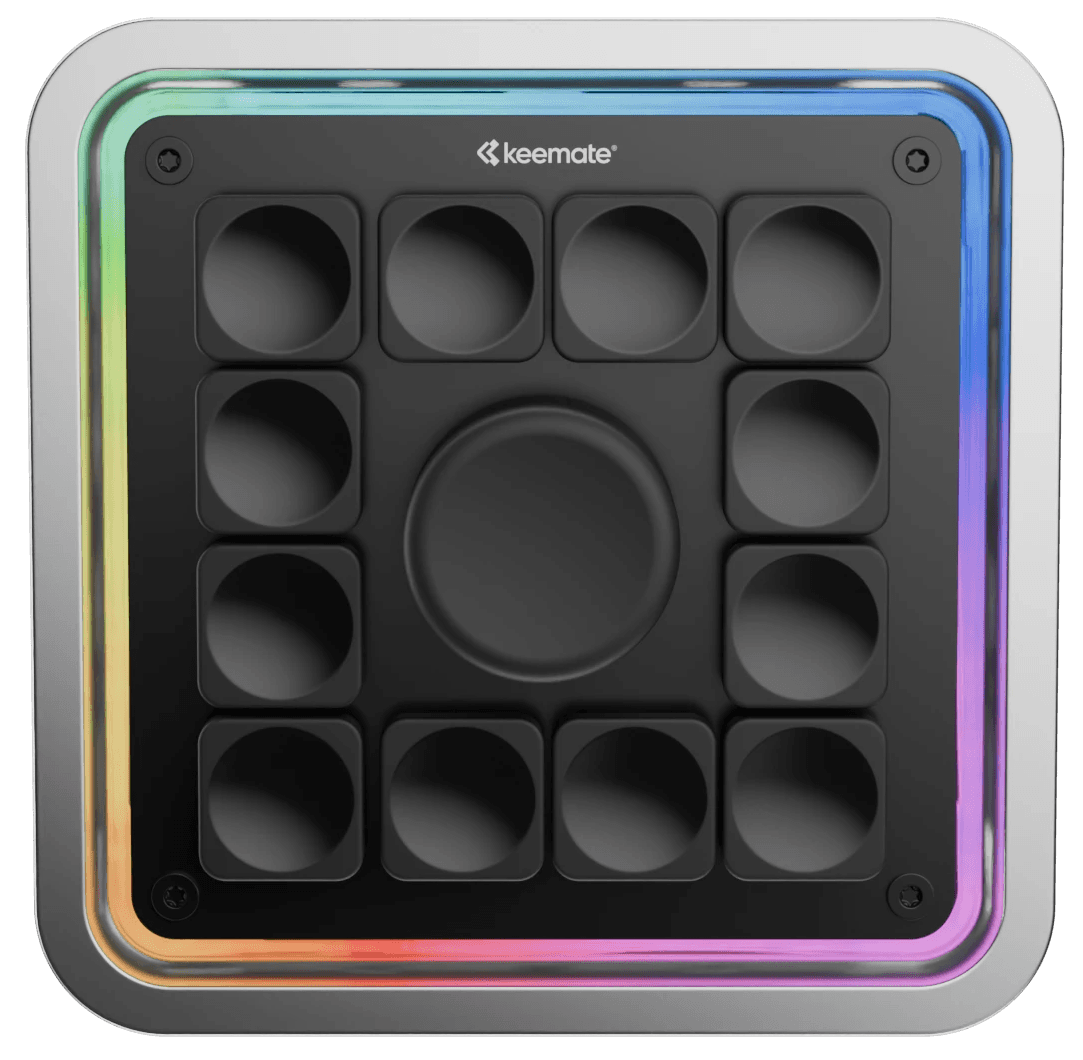
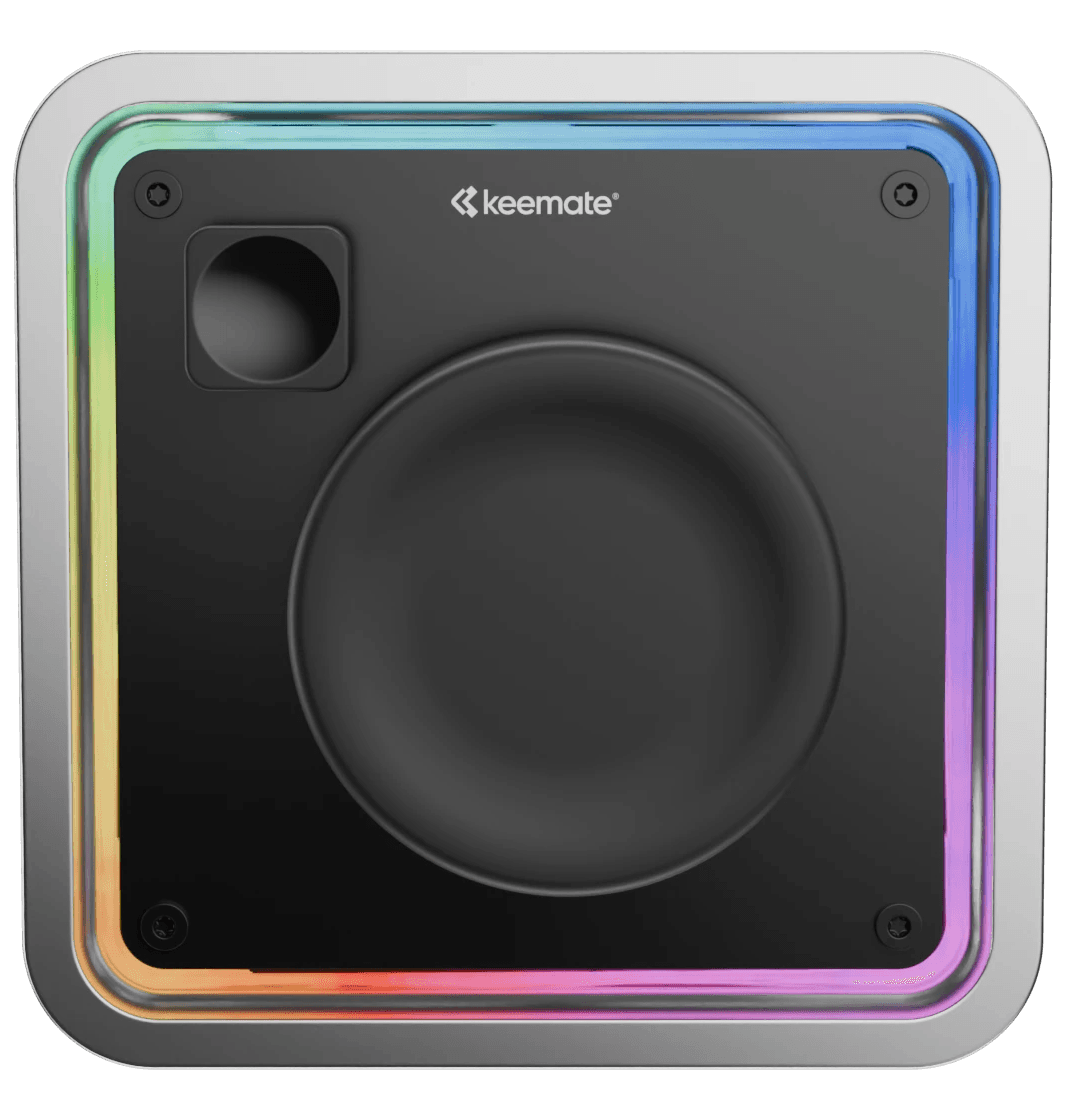
The modular device

that speeds your workflow

Works with macOS/Windows/Linux

Modular

Premium

Creative Tools

For Everyone.

  • STUDIO PAD/

The modular device

that speeds your workflow

Works with macOS/Windows/Linux

Modular

Premium

Creative Tools

For Everyone.

  • STUDIO PAD/

Speed up your workflow

Assign shortcuts and actions to Studio Pad, so you work faster in the apps you use every day.

Works with macOS/Windows/Linux

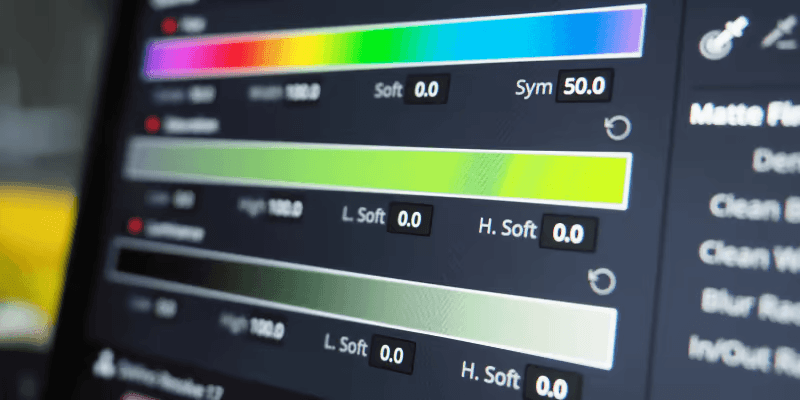
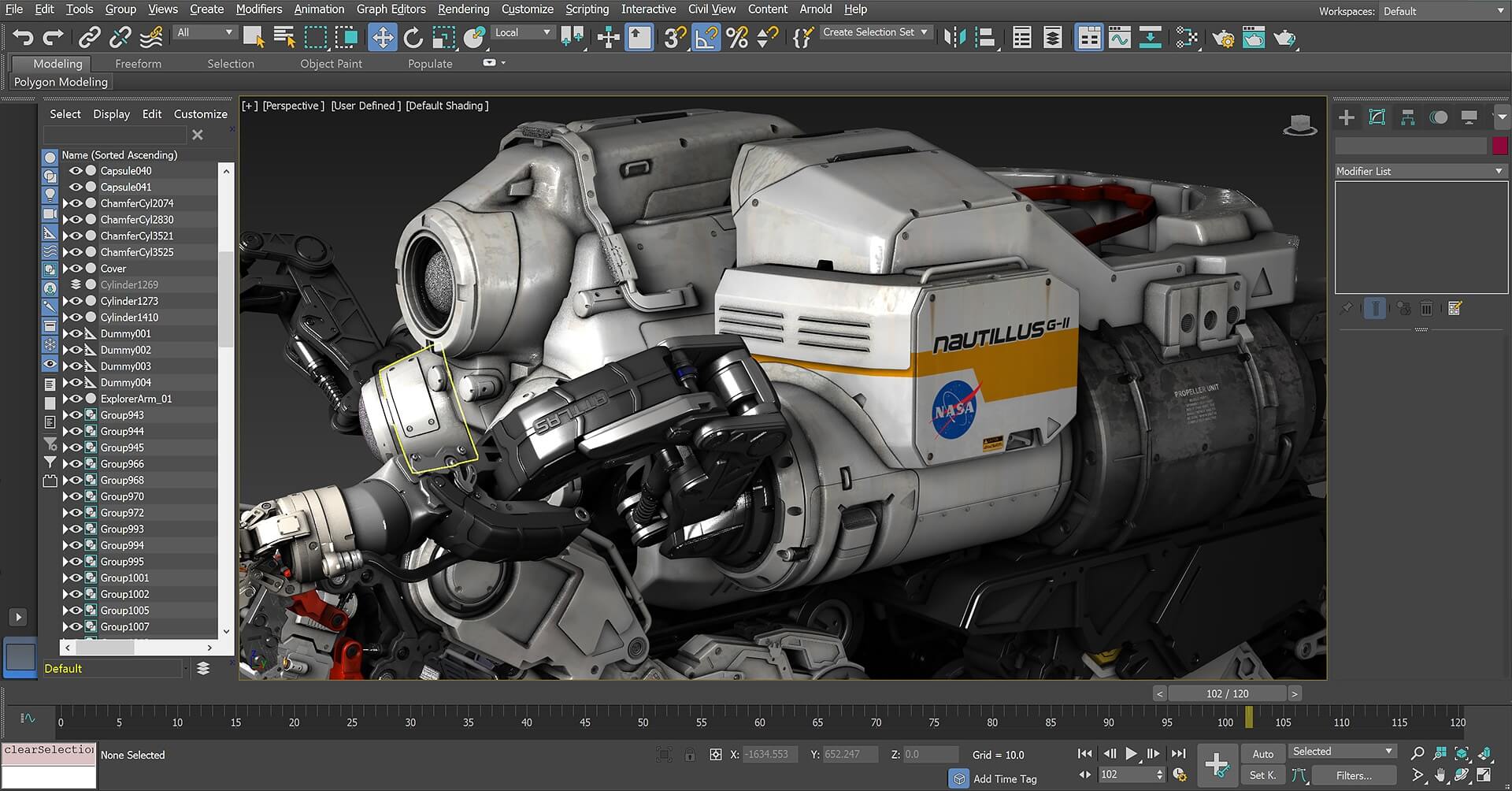
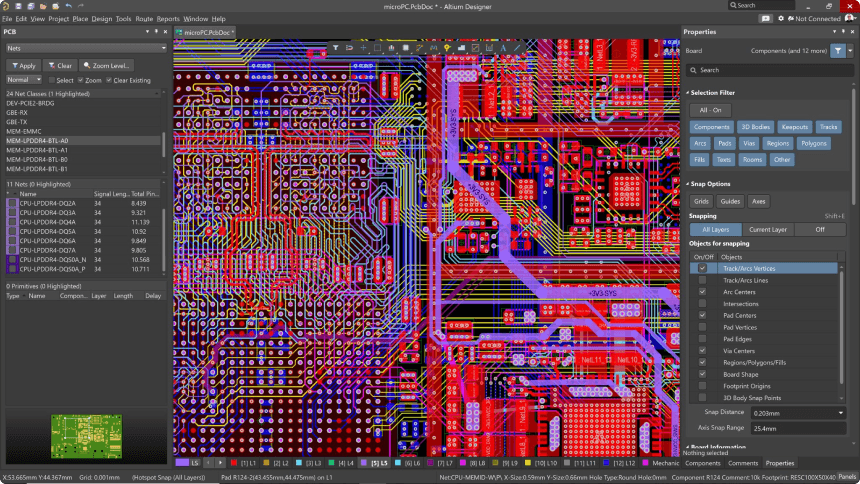
Studio Pad turns software actions

Studio Pad turns software actions

Studio Pad turns software actions

into physical controls.

into physical controls.

into physical
controls.

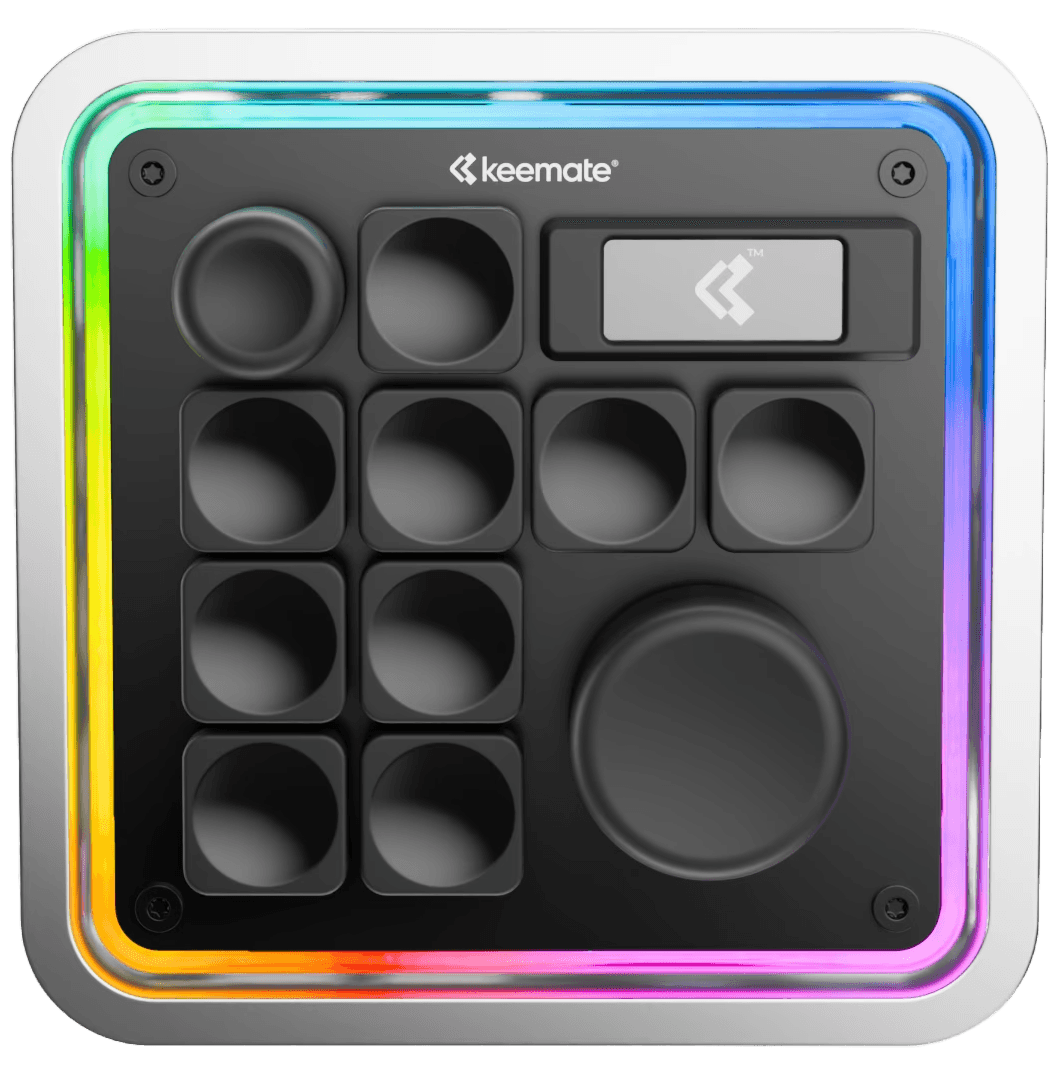
Swap the entire control surface to match what you’re doing.

Swap the entire control surface to match what you’re doing.

Figma

Adobe Apps

Fusion 360

Ableton

More
Vector
Vector
  • BG Image
  • BG Image
  • BG Image
  • BG Image
  • BG Image
  • BG Image

Designed for focused work across creative and technical tools. Choose modules and configure actions so each layout matches your workflow.
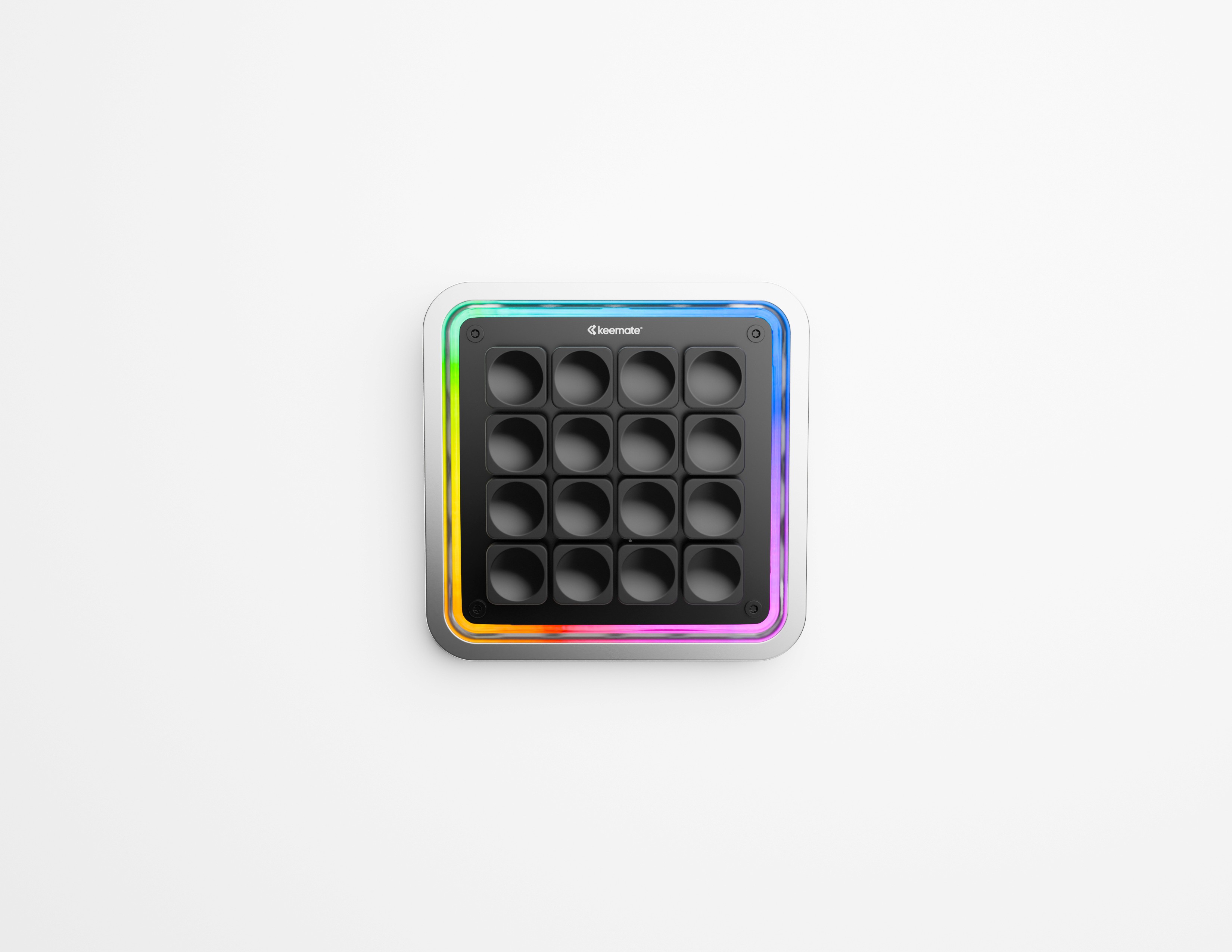
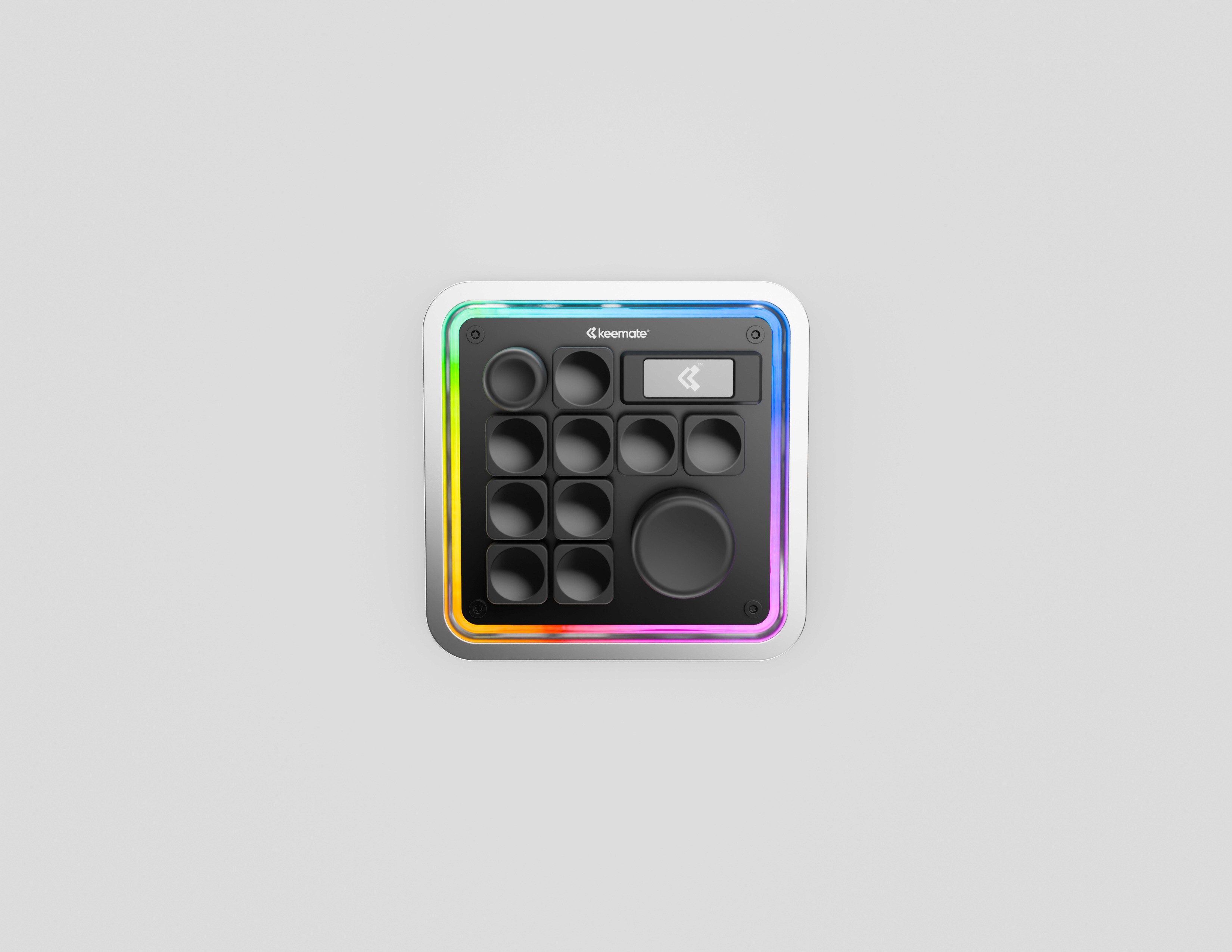
Modular Design

Quick-swap Modules

Studio Pas isn't a one-time product, it's access to a platform that grows through an expanding portfolio of modules.

Custom Shortcuts

Control undo, brush size, timelines, and other custom commands with a button or knob. No menus needed.

Onboard Memory

32 GB Storage

Carry your projects and files with you, so your setup stays consistent across devices

Contextual Lights

Lights that React.

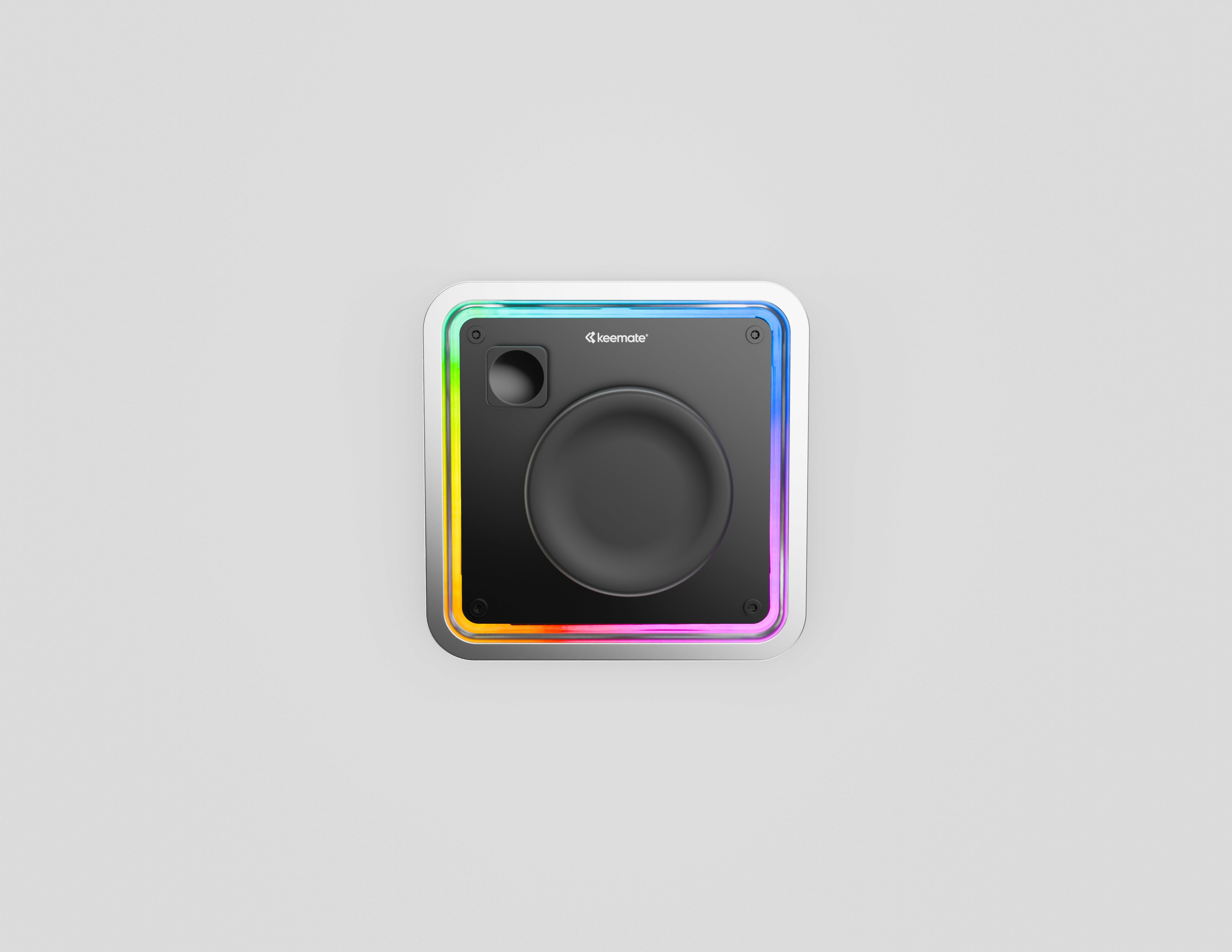
Interactive RGB lights that change as you work.

Custom Shortcuts

Press a button or turn a knob to trigger actions like undo, brush size, timeline scrubbing, or tool switching without opening menus or switching tools.

Onboard Memory

32 GB Storage

Carry your projects and files with you, so your setup stays consistent across devices

Contextual Lights

Lights that React.

Know what mode you’re in without looking at the screen.

Modular Design

Quick-swap Modules

Studio Pad isn't a one-time product, it's access to a platform that grows through an expanding portfolio of modules.

Modular

Choose your module

Reconfigure your device with different inputs and layouts,
adapting it to each workflow.

+ More in development

Yours.

Switch Options

Choose Your Switches

Available in Silent, Clicky, and Tactile variants.

Rated for up to 50 million keystrokes per switch.

Customizable

Tools at Your Fingertips

A physical control surface for shortcuts, parameters, and creative commands.

Spare parts

Repairable

12+ modular parts, fully replaceable. No glue.

Support

Made to last.

Fully disassemblable with a standard Torx screwdriver.

Switch Options

Choose Your Switches

Available in Silent, Clicky, and Tactile variants.

Engineered for durability with up to 50 million keystrokes per switch.

Customizable

Tools at Your Fingertips

A physical control surface that puts your most-used actions exactly where your hands expect them.

Spare parts

Repairable

Built from over 12 individual parts, all screw assembled and fully replaceable. No glue is used

Support

Made to last.

Fully disassemblable with a standard Torx screwdriver.

Get the pre-launch price

Reserve now

52D 03H 18M 14S

Designed to make your workflow faster and smoother.

Just notify me at launch

By clicking Sign up, you agree to receive notifications from Keemate® by email regarding Studio Pad pre-launch.

Gold iPhone displaying a habit tracker app interface with cards for journaling, exercise, hydration, and meditation, set against a light grey background.

Get the pre-launch price

Reserve now

Reserve now

52D 03H 18M 14S

Designed to make your workflow faster and smoother.

Just notify me at launch

By clicking Sign up, you agree to receive notifications from Keemate® by email regarding Studio Pad pre-launch.

Gold iPhone displaying a habit tracker app interface with cards for journaling, exercise, hydration, and meditation, set against a light grey background.

Connector

USB-C

Material & finish

Aluminium CNC machined shell. Sandblasted & anodized finish.

Storage

32GB

Compatibility

Windows & Mac & Linux

Backlight

RGB

Included

Microfiber Cloth

Braided USB-C to USB-A cable.
  • Creative Tools

  • Pure Function

  • ❤️

  • Premium Feel

FAQs

Got questions?
We’ve got the answers. Here’s everything you need to know before making it yours.

Studio Pad details

The Studio Pad is a modular macropad that uses modular magnetic plates for instant layout changes. It connects over USB-C and works with macOS, Windows, and Linux, supports VIA/QMK for full customization.

What is a pre-order?

A preorder lets you secure a Studio Pad before it goes into full production. By reserving early, you guarantee your unit (at an exclusive launch price) and help us plan production more accurately so we can deliver on time.

Which operating systems does it work with?

The Studio Pad works with macOS, Windows, and Linux

Do I have to pre-order, or can I wait for the release?

You can, but availability isn’t guaranteed. The Studio Pad will be produced in limited quantities, and once we lock in production after the preorder window, we may not have extra units available.

What makes the Studio Pad modular?

Each control plate attaches magnetically. You can snap plates in or out in seconds, no tools or cables required.

Do the modules stay secure while using the Studio Pad?

Yes. Strong magnets and contact pins keep each plate firmly in place while you work, but still let you swap them out quickly when you need a different setup.

Why use magnets instead of a fixed layout?

Magnets give you the freedom to adapt your workspace instantly. Instead of buying separate devices for editing, streaming, or gaming, the Studio Pad adjusts to your workflow on the fly.

Is it compatible with VIA/QMK?

Yes. The Studio Pad fully supports both VIA and QMK, so you can customize keymaps, layers, and functions to match your workflow.

What switches does the Studio Pad use?

Studio Pad comes with low-profile switches. You can choose between clicky, silent or tactile, depending on your preference.

What modules are included with Studio Pad?

You can choose the default module that comes with the base, and add as many additional modules as you need for your workflow.

FAQs

Got questions?
We’ve got the answers. Here’s everything you need to know before making it yours.

Studio Pad details

The Studio Pad is a modular macropad that uses modular magnetic plates for instant layout changes. It connects over USB-C and works with macOS, Windows, and Linux, supports VIA/QMK for full customization.

What is a pre-order?

A preorder lets you secure a Studio Pad before it goes into full production. By reserving early, you guarantee your unit (at an exclusive launch price) and help us plan production more accurately so we can deliver on time.

Which operating systems does it work with?

The Studio Pad works with macOS, Windows, and Linux

Do I have to pre-order, or can I wait for the release?

You can, but availability isn’t guaranteed. The Studio Pad will be produced in limited quantities, and once we lock in production after the preorder window, we may not have extra units available.

What makes the Studio Pad modular?

Each control plate attaches magnetically. You can snap plates in or out in seconds, no tools or cables required.

Do the modules stay secure while using the Studio Pad?

Yes. Strong magnets and contact pins keep each plate firmly in place while you work, but still let you swap them out quickly when you need a different setup.

Why use magnets instead of a fixed layout?

Magnets give you the freedom to adapt your workspace instantly. Instead of buying separate devices for editing, streaming, or gaming, the Studio Pad adjusts to your workflow on the fly.

Is it compatible with VIA/QMK?

Yes. The Studio Pad fully supports both VIA and QMK, so you can customize keymaps, layers, and functions to match your workflow.

What switches does the Studio Pad use?

Studio Pad comes with low-profile switches. You can choose between clicky, silent or tactile, depending on your preference.

What modules are included with Studio Pad?

You can choose the default module that comes with the base, and add as many additional modules as you need for your workflow.

FAQs

Got questions?
We’ve got the answers. Here’s everything you need to know before making it yours.

Studio Pad details

The Studio Pad is a modular macropad that uses modular magnetic plates for instant layout changes. It connects over USB-C and works with macOS, Windows, and Linux, supports VIA/QMK for full customization.

What is a pre-order?

A preorder lets you secure a Studio Pad before it goes into full production. By reserving early, you guarantee your unit (at an exclusive launch price) and help us plan production more accurately so we can deliver on time.

Which operating systems does it work with?

The Studio Pad works with macOS, Windows, and Linux

Do I have to pre-order, or can I wait for the release?

You can, but availability isn’t guaranteed. The Studio Pad will be produced in limited quantities, and once we lock in production after the preorder window, we may not have extra units available.

What makes the Studio Pad modular?

Each control plate attaches magnetically. You can snap plates in or out in seconds, no tools or cables required.

Do the modules stay secure while using the Studio Pad?

Yes. Strong magnets and contact pins keep each plate firmly in place while you work, but still let you swap them out quickly when you need a different setup.

Why use magnets instead of a fixed layout?

Magnets give you the freedom to adapt your workspace instantly. Instead of buying separate devices for editing, streaming, or gaming, the Studio Pad adjusts to your workflow on the fly.

Is it compatible with VIA/QMK?

Yes. The Studio Pad fully supports both VIA and QMK, so you can customize keymaps, layers, and functions to match your workflow.

What switches does the Studio Pad use?

Studio Pad comes with low-profile switches. You can choose between clicky, silent or tactile, depending on your preference.

What modules are included with Studio Pad?

You can choose the default module that comes with the base, and add as many additional modules as you need for your workflow.

  • Tweet. Repeat.

  • Catch the vibe

  • Connections matter

  • For you, for real

Stay in the loop

Stay ahead with the latest product updates

By clicking Sign up, you agree to receive notifications and offers from Keemate by email and occasional SMS, and consent to our privacy policy.

Stay in the loop

Stay ahead with the latest product updates

By clicking Sign up, you agree to receive notifications and offers from Keemate by email and occasional SMS, and consent to our privacy policy.

Stay in the loop

Stay ahead with the latest product updates

By clicking Sign up, you agree to receive notifications and offers from Keemate by email and occasional SMS, and consent to our privacy policy.